PaperCut print management software, from its largest distributor worldwide
Yes Bilişim
EN
Get a quote
PDF management A Yes Bilişim product

Enterprise PDF management platform

Conversion, editing, OCR, encryption and every other PDF task on one platform, entirely on your own server. KVKK compliant, locally developed and on-premise.

DOCX
XLSX
JPG
contract.pdf
OCREncryptede-Signature
  • 100% on-premiseYour data stays on your own server; it also runs in offline (air-gapped) environments.
  • KVKK and BDDK compliantMeets KVKK, BDDK and corporate audit requirements.
  • Runs in the browserNo installation needed; opens in the browser on desktop, tablet and mobile.
  • Affordable licensingAnnual per-user license; over 90% savings compared to Adobe.
  • 200+ concurrent usersMulti-user, centrally managed architecture.
  • 6 OCR languagesText recognition in six languages, including Turkish.
Conversion

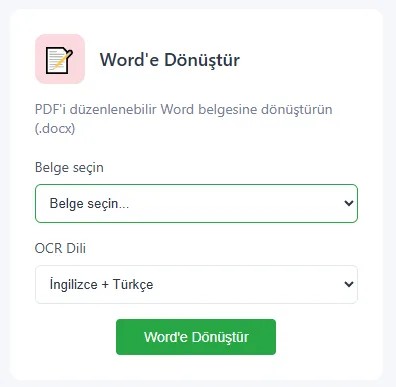
Convert to Word, Excel, HTML and images

Convert PDF documents into editable Word (.docx), Excel (.xlsx), HTML pages or JPEG, PNG and TIFF images. Tables, fonts and page layout are preserved.

Converting Office documents to PDF works the same way.

Convert to Word, Excel, HTML and images
OCR

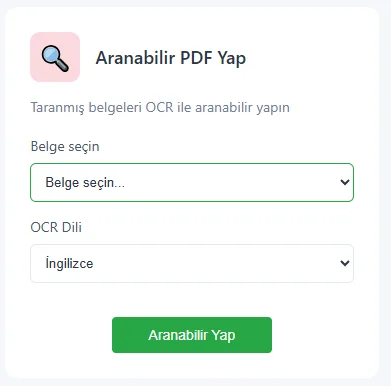
Scanned documents become searchable PDFs

Turn scanned documents into searchable, copyable PDFs. Turkish characters are recognized accurately; 6 OCR languages are supported, including Turkish.

Paper documents in your archive become digital and searchable in seconds.

Scanned documents become searchable PDFs
Smart editing

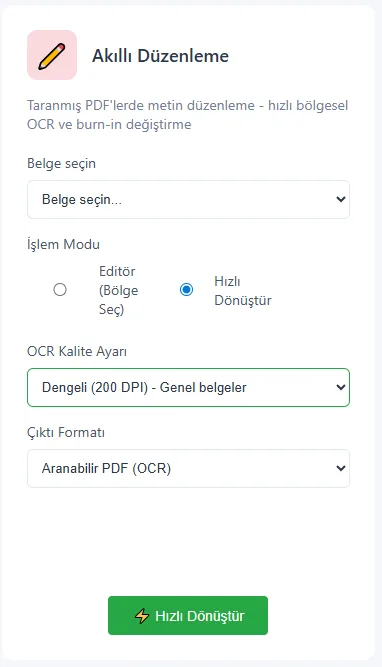
Edit text even in scanned documents

You don't need to recreate a scanned PDF from scratch to change its text. YesPDF recognizes the page with OCR and makes it editable; you make your correction and save the document.

Edit text even in scanned documents
Everyday tasks

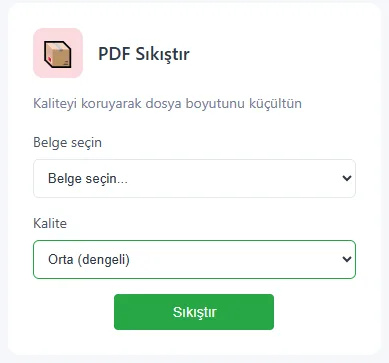
Merge, split, compress

Combine documents into a single PDF or split them at the pages you choose. Reduce file size without losing quality.

  • Merge multiple documents into one PDF
  • Split by selected pages
  • Compress without quality loss
  • Add text or QR code watermarks and stamps
Merge, split, compress
PDF editor

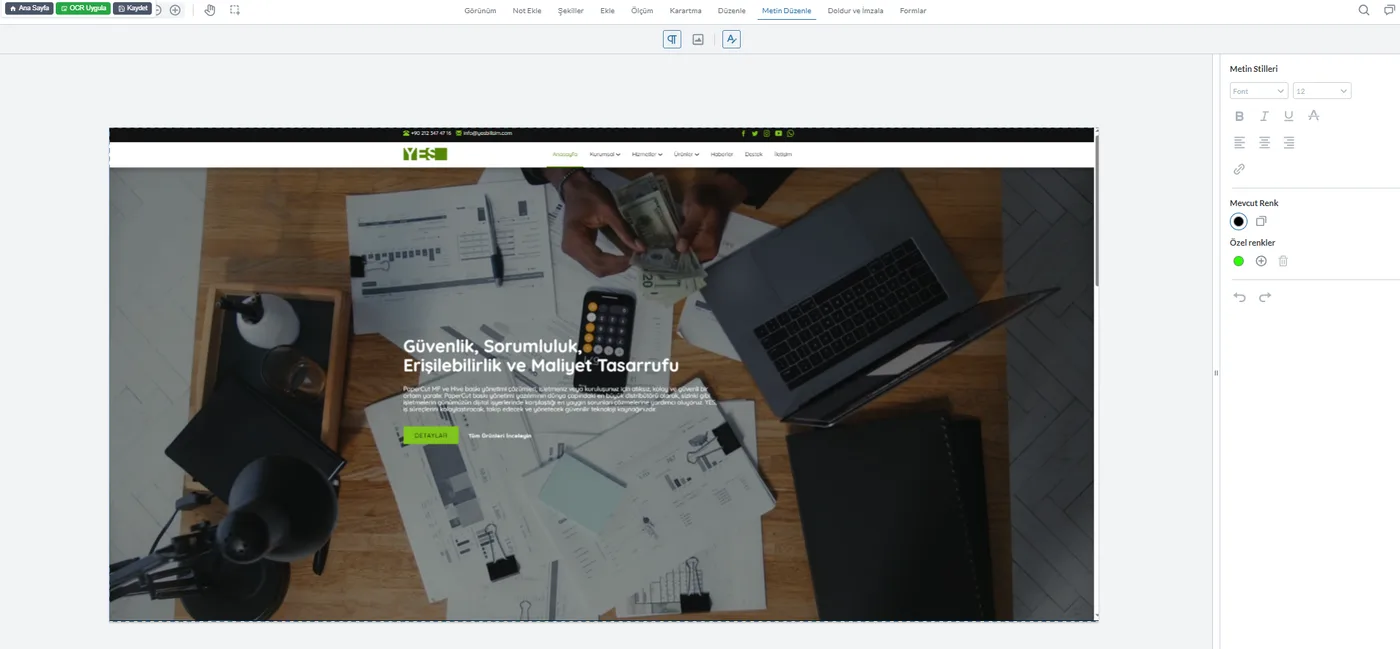
Text, images, forms and signatures on one screen

The advanced editor lets you work on every part of the document.

  • Text and image editing
  • Shapes and measurement tools
  • Stamps and seals
  • PDF forms, fill and sign
  • Redaction that permanently removes sensitive information
Text, images, forms and signatures on one screen
Admin panel

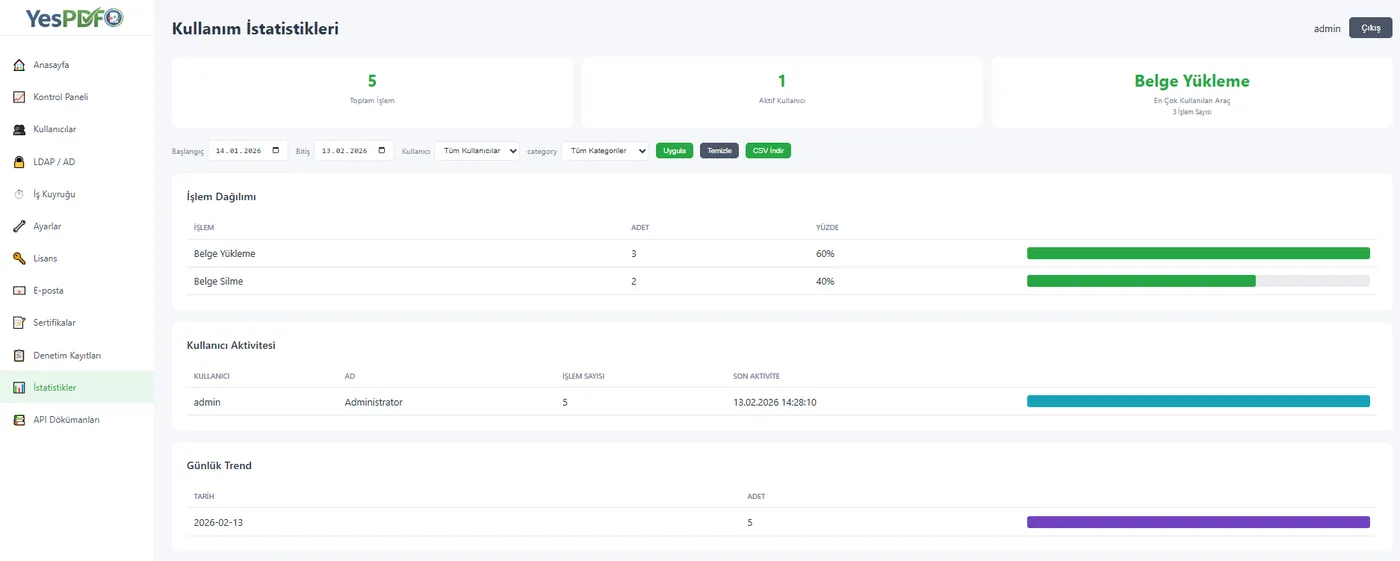
Your whole organization on one screen

Monitor users, permissions and system usage from the central admin panel.

  • User and role management
  • LDAP / Active Directory integration
  • Job queue monitor
  • Usage statistics
  • Certificate management
  • Security settings
Your whole organization on one screen
Enterprise security

Your data never leaves your organization

Every operation is encrypted, auditable and under control.

  • KVKK compliance: meets data processing and retention standards.
  • OWASP Top 10: protection against vulnerabilities such as XSS, CSRF and SQL Injection.
  • AES-256 encryption: files are stored encrypted on the server, each with its own key.
  • Virus scanning: every uploaded file is scanned; processing stops if malicious content is found.
  • Audit logs: who did what, when, and to which file is all recorded.
  • IP restriction: IP-based access control and rate limiting; unauthorized attempts are blocked and reported.
Licensing

A licensing model that fits your organization

License activation is fully offline; no internet connection required. All licenses include technical support and software updates for their full term. You get a 30-day free trial, free installation and configuration support, and technical support in Turkish.

  • Named user: 5, 10, 25, 50 and 100+ users for fixed teams. Each user gets a personal document library, signing certificate and audit trail.
  • Concurrent user: the license limits the number of sessions open at the same time; the number of user accounts is unlimited.
  • Site license: for multi-server and load-balanced deployments, with no machine limit.
  • API access (add-on): REST API, OpenAPI documentation, scoped API keys, batch operations and webhooks. Can be added to any license type.
Desktop

YesPDF Desktop

YesPDF also runs on your computer. More than 35 tools, including OCR, conversion, e-signature and merging, in a single app. The license is validated on your corporate server.

  • OCR: makes scanned PDFs searchable and editable.
  • Word, Excel, PowerPoint: two-way conversion between PDF and Office; tables, fonts and layout are preserved.
  • e-Signature and sealing: e-Government compliant qualified e-signatures, timestamping and KEP integration.
  • Offline: documents never leave the computer; no internet required.
  • Platforms: Windows 10/11 (64-bit), macOS 11+ (Apple Silicon) and Linux. Interface in 9 languages.
Industry solutions

For the document needs of different industries

YesPDF is not SaaS; it is delivered with a Service to Software approach: your data stays with you, and we provide the service.

  • Banking and finance: BDDK-compliant document management, loan files, digital signatures and audit logs.
  • Healthcare and DICOM: medical imaging, DICOM conversion and patient records.
  • Public sector: e-Government compliant document management, official correspondence and archiving.
  • Defense industry: NATO-compliant document management, classified documents and air-gapped network support.
  • Insurance: policies, claim files, actuarial reports and compliance documents.
  • Legal: contracts, case files, redaction and digital signatures.
  • UYAP UDF: UDF to PDF conversion, signature verification and two-way format support.
  • CAD and engineering: technical drawing conversion, large-format printing, measurement tools and project archives.
  • Education: transcripts, diplomas, exam papers and student records.
  • Digital signatures: enterprise e-signature integration and certificate management.
  • Audit and consulting: audit reports, financial statements and compliance documents.

Features

More than 20 PDF tools on one platform.

One platform, three ways to use it

Frequently asked questions

Does YesPDF work without an internet connection?
Yes. The On-Prem edition runs on your own server, including in offline (air-gapped) environments. License activation is offline as well.
Where is our data stored?
All data stays on your own server. Files are stored encrypted with AES-256, and each file has its own key.
What license types are available?
Named user, concurrent user and site license. API access can be added to any license type as an add-on.
Is there a trial?
A 30-day free trial is available, and installation and configuration support is free too. You can try the browser version right away at online.yespdf.com.tr.
Does it work with Active Directory?
Yes. The admin panel supports LDAP / Active Directory integration.
Our other products